🧑💼 Profile Button
Access this feature through the icon
How to Use
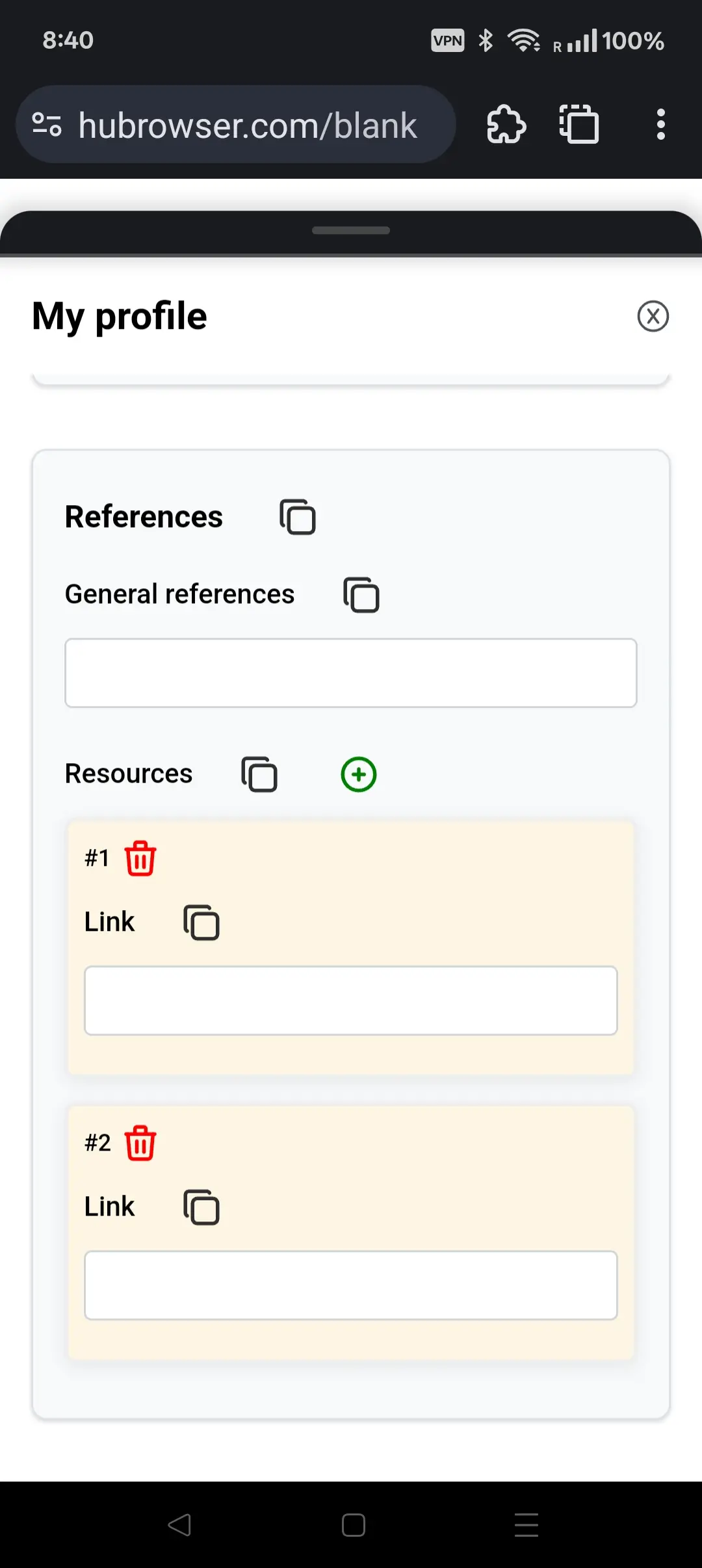
- 👤 Click the profile button (the first button) to open your profile page
- 📝 The profile page displays your HuBrowser account information and settings
- 🛡️ Instead of big tech making profiles of you, you can create your own profile in HuBrowser and conveniently use it for SelfReason AI or other services
- 🚀 All details are stored locally
- 🤖 Apps in the HuBrowser ecosystem respect your profile settings
- 📋 Each field and section has a copy button to easily copy information to your clipboard for access or sharing
Examples
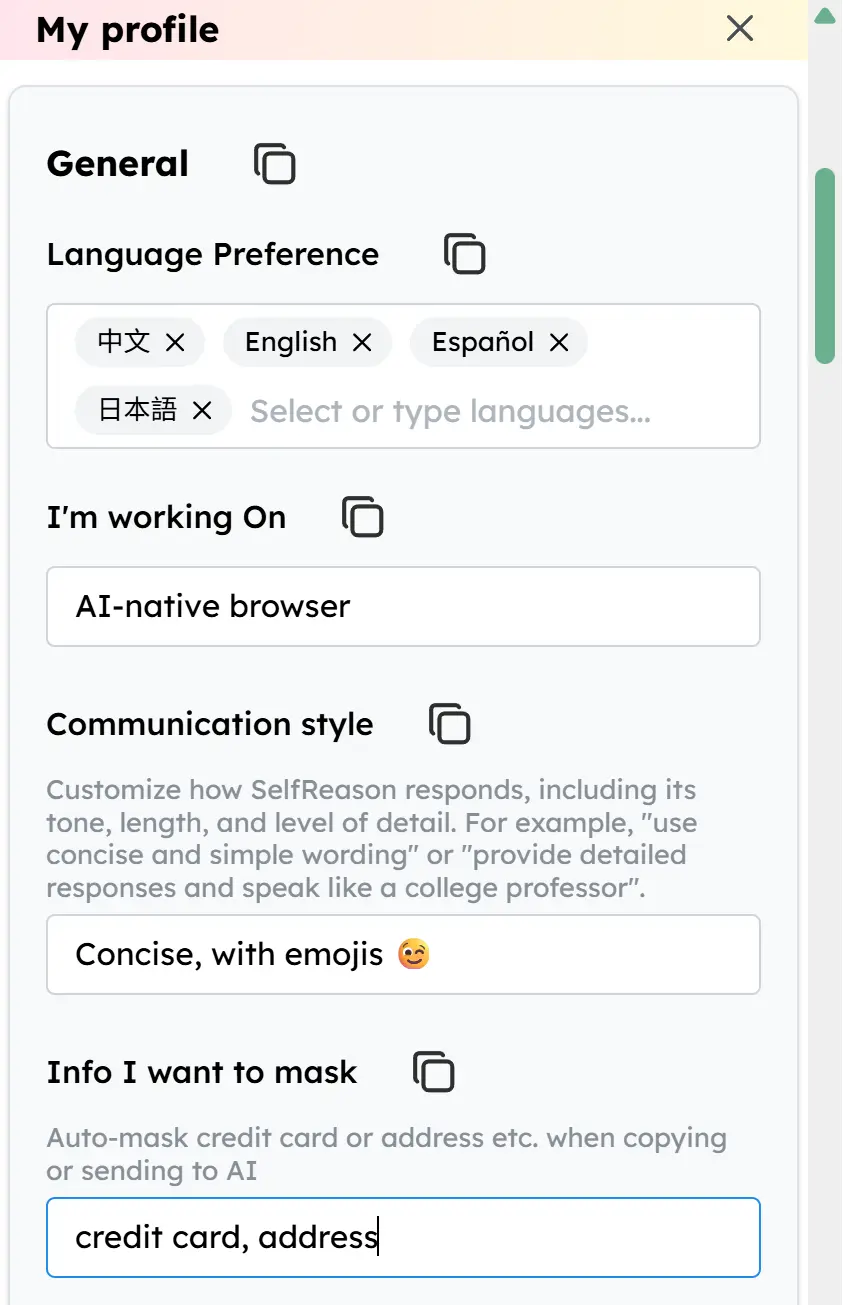
🗣️ Communication Preferences
- AI responds in the same language as the content by default
- You can specify your preferred language. The AI takes your language preference order into account when automating and generating responses
📚 Reference Materials
- Specify your preferred reference materials for more personalized AI interactions