
Lucky Launcher: fast Android app launcher 🚀
Transform your Android experience
Lucky Launcher gives you a clean UI, instant native search, flexible layout, and full local control.
Get Lucky Launcher on Google Play
Completely free. No in‑app purchases. No ads.
Feeling lucky? 🍀 Lucky Launcher transforms how you launch, search, organize, and clean up apps on Android.
Your launcher runs all day. It controls app launches, search, gestures, layout—even subtle tracking. Most people never change it because manufacturers prefer you stay on their ad and data stack. You can switch in one tap.
Lucky Launcher gives you speed, privacy, and control. 100% free. No ads. No tracking.
Feature highlights
Speed & privacy first
- Ultra‑lightweight at only ~20MB
- Native C++ engine for zero‑delay performance
- Zero tracking, zero ads, zero data collection 🔒
- Optimized for phones and tablets 📱💻
- Break free from manufacturer data collection
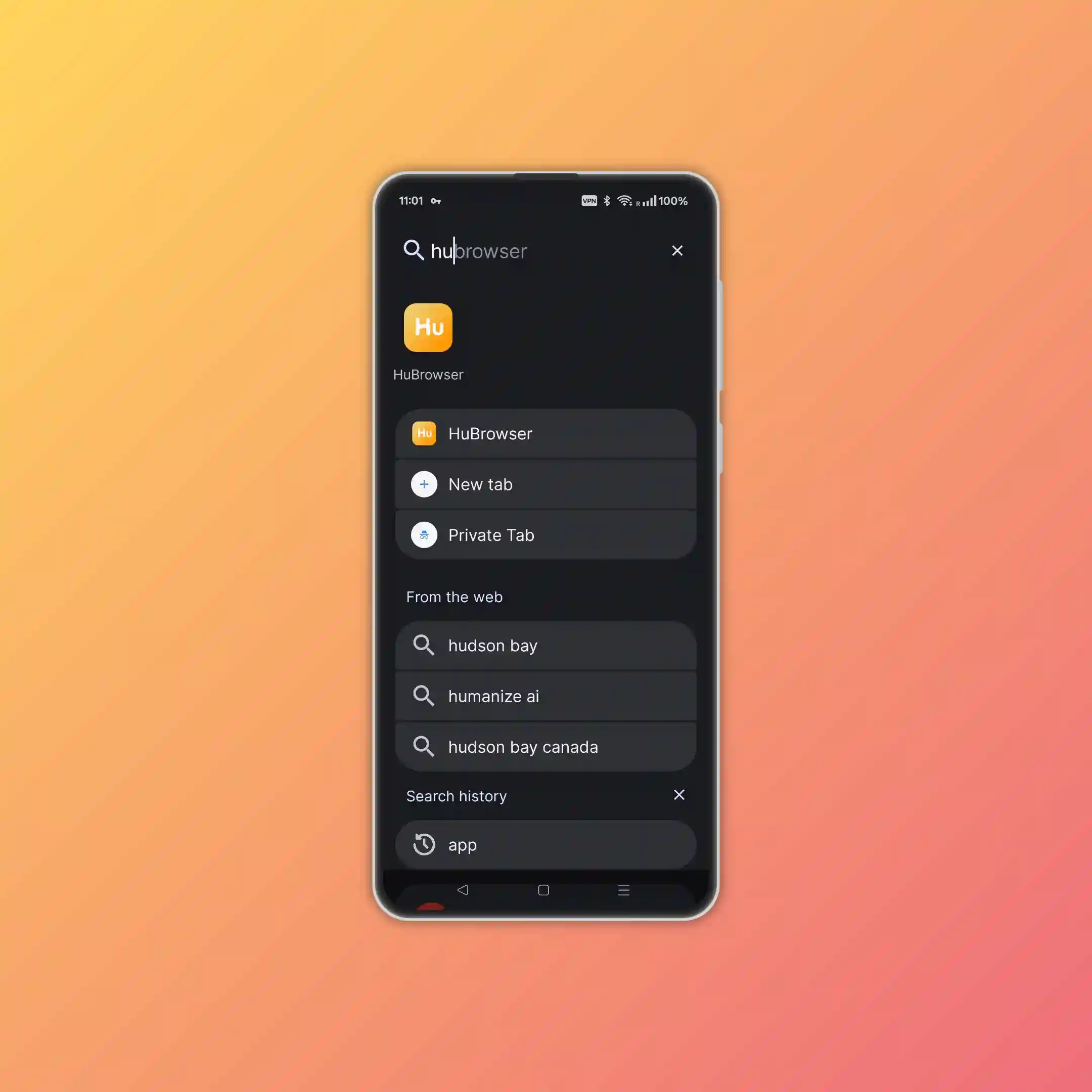
Lightning‑Fast search ⚡
- Swipe up → ready to type immediately
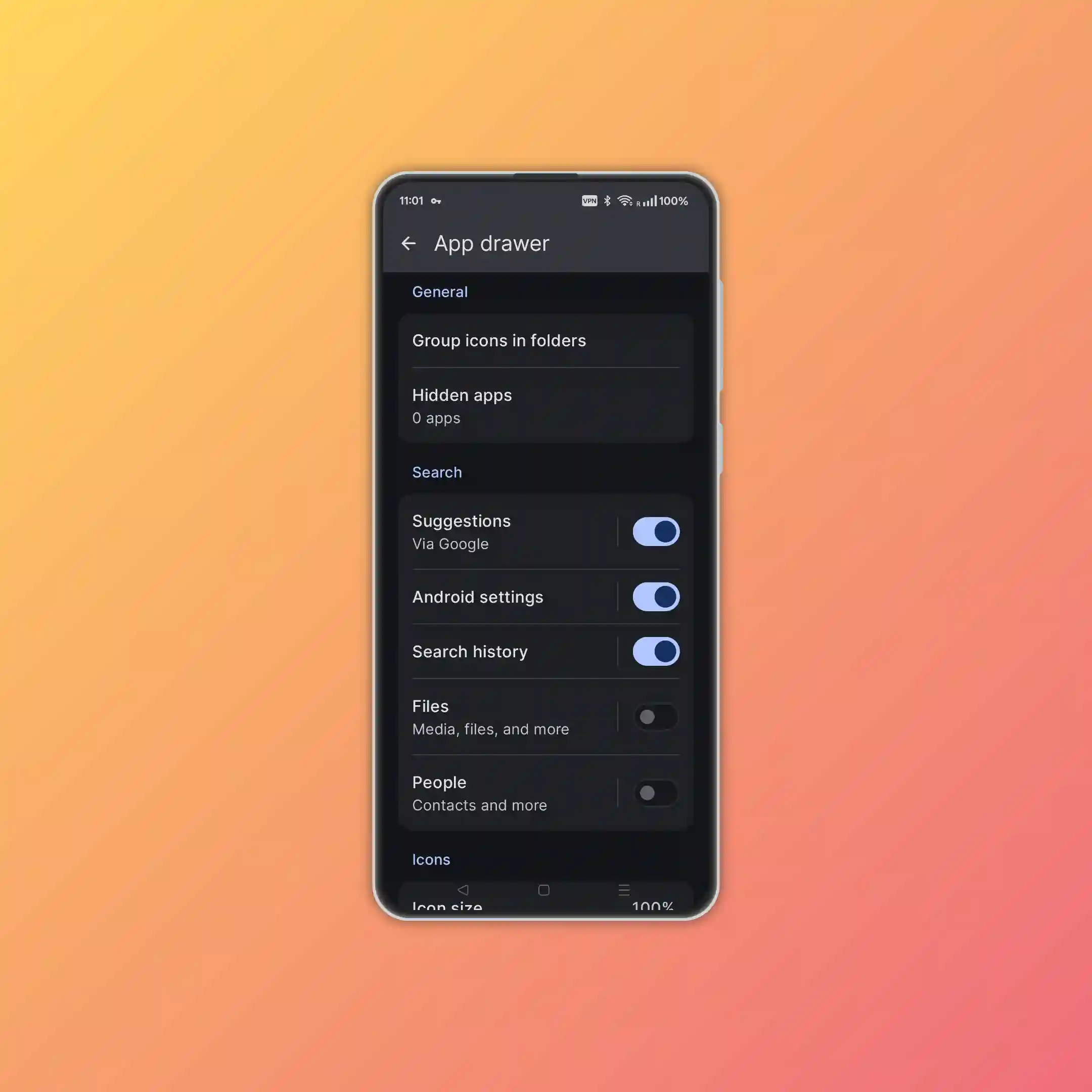
- Fuzzy match finds apps, widgets, files (optional permission), settings, contacts, web
- Press → (Enter) to launch top result instantly
- PWAs appear alongside native apps
- Watch the demo: youtube.com/shorts/GTPnOSwi9E4
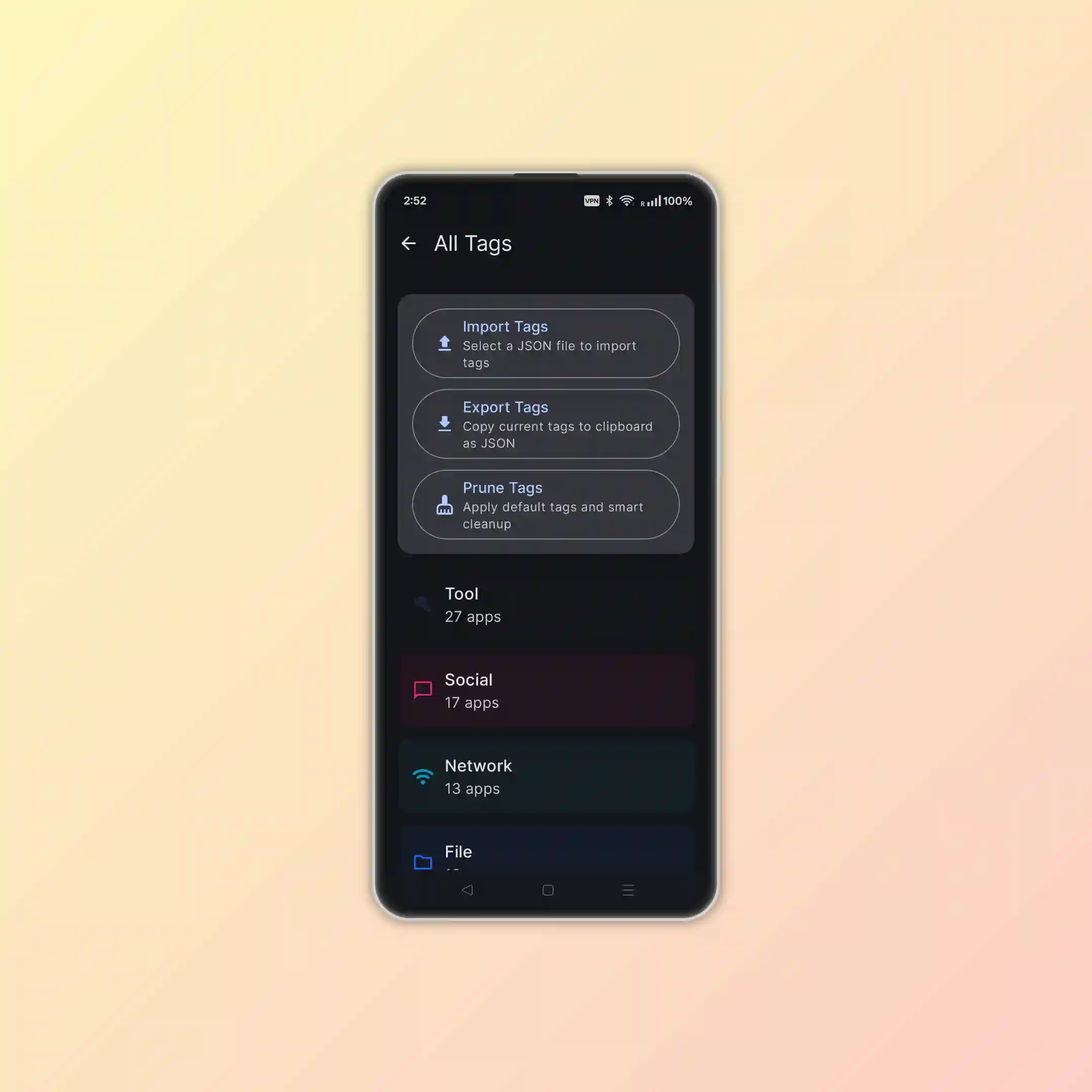
Smart organization 🏷️
- Tags: Add custom tags to any app (#work #kids #offline)
- Tag Search: Search directly or combine tags (vpn #work)
- Private Notes: Add app‑specific notes (stored locally only)
- Hide Apps: Keep sensitive or rarely used apps out of sight
- Dual Styles: Different icon styles for drawer vs home screen
Deep personalization 🎨
- Material You: Auto adapts to wallpaper colors
- Full Control: Customize grid, icon size, transparency, fonts, colors
- Icon Packs: Choose from curated sets or add your own
- Smart Theming: Wallpaper‑aware contrast and readability
- Customizable Drawer: Apply folder effects and custom layouts
Can install web apps 🤝
- Install PWAs and use them like native apps
- Add to home, organize in folders, launch via search
- Long‑press PWA icon → manage site settings (permissions, notifications, storage)
Gestures & shortcuts ✋
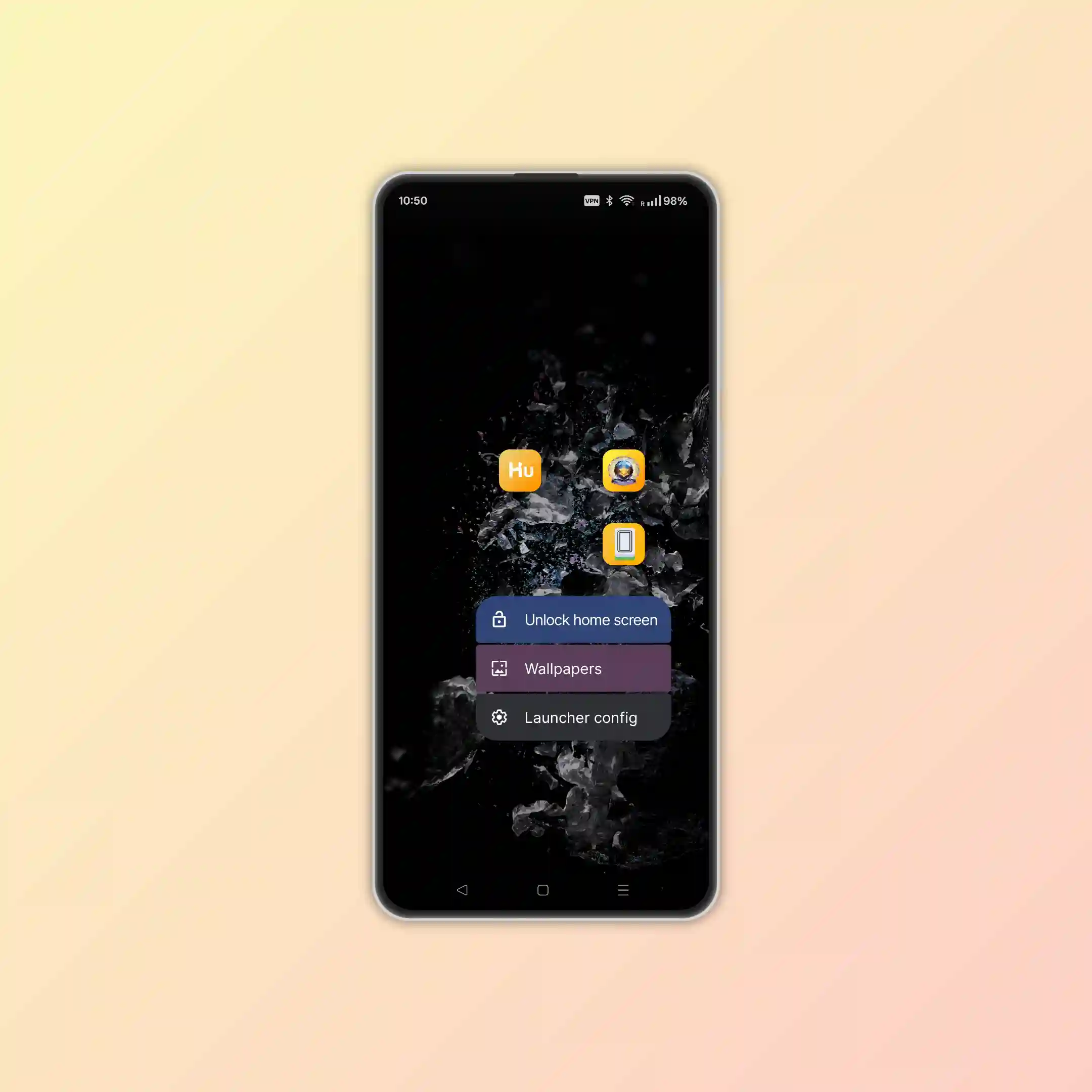
- Long‑press empty space → settings
- Double‑tap empty space → screen lock (needs Accessibility; no data collected)
- Swipe up → search / drawer
- Swipe down → notifications
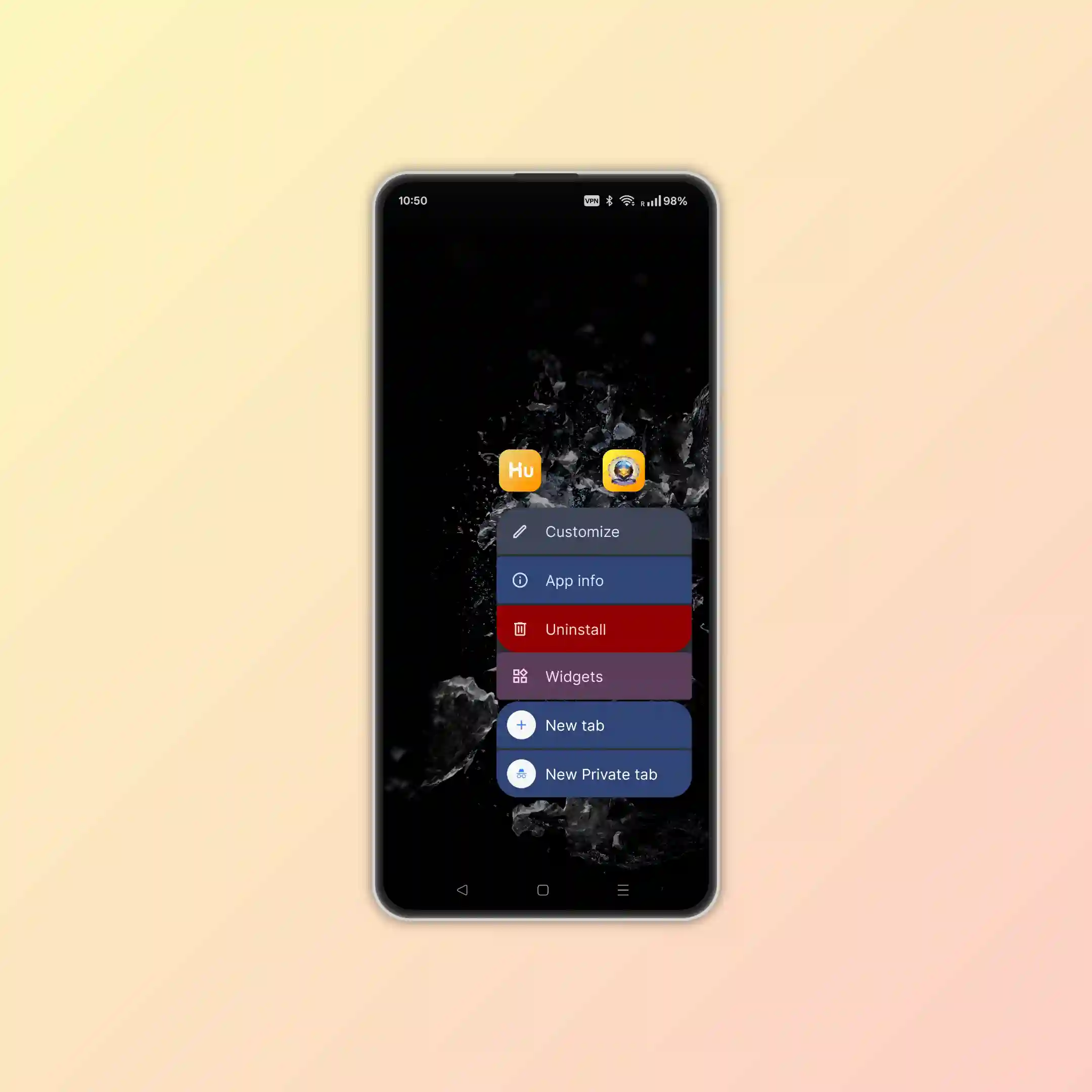
- Long‑press app icon → quick actions and app info
- Drag app icon up → uninstall or remove from home screen
- Drag & drop → create folders
- Real‑time badge counts → see notifications at a glance
- Single‑tap home → system settings
- Long‑press home → voice assistant
- Sleep shortcut → fast screen off
- Custom wallpaper → theme adapts automatically
- Add widgets quickly (watch video)
- Resize widgets beyond default sizes
App insights & export 📊
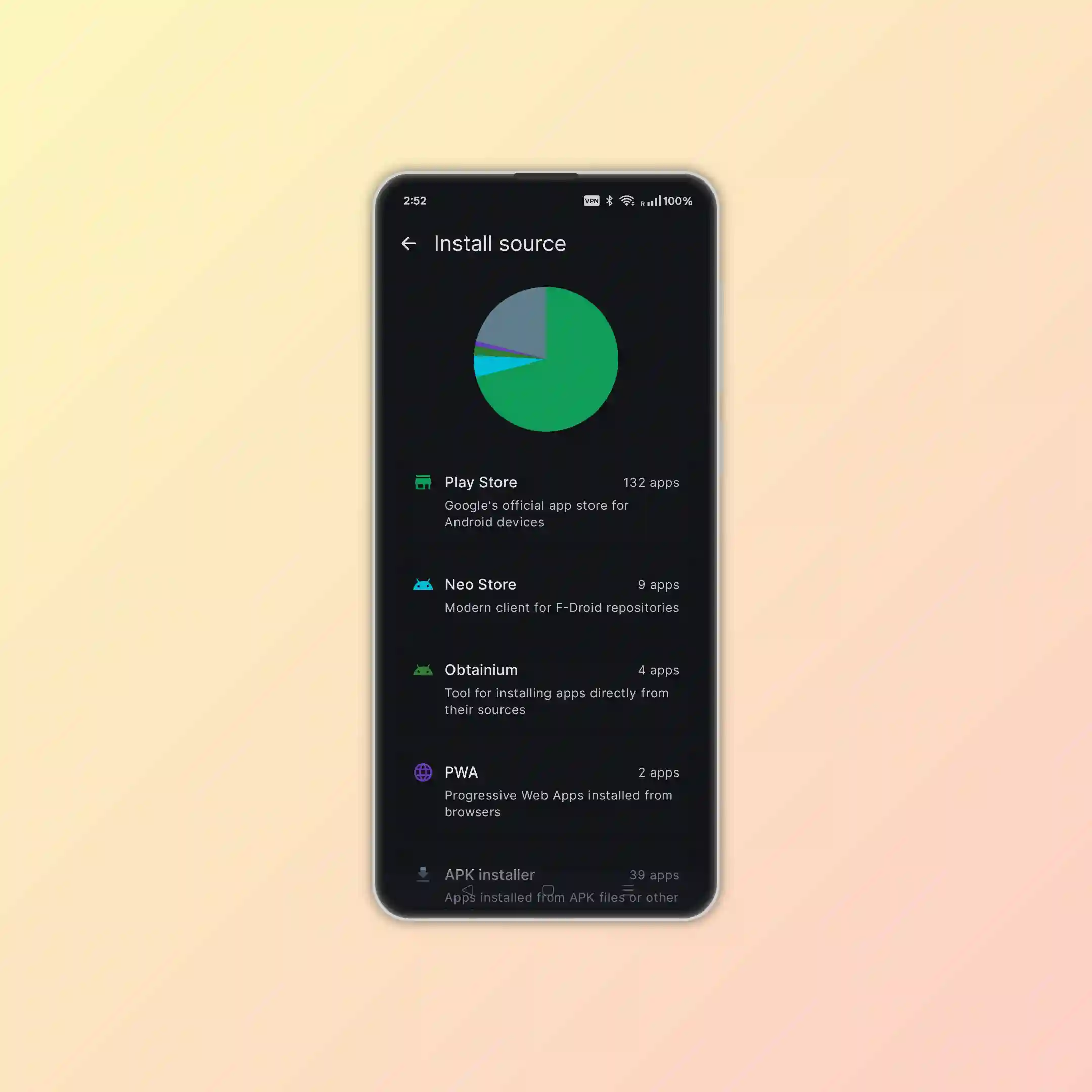
- Install Sources: See which apps came from Play Store, system, sideload, or PWA
- Visual Overview: Pie chart helps spot risky sideloads
- One‑Tap Export: Export app list (CSV / text) with package, version, install time, source, size
- No private data included in exports
How to use
Quick setup
- Install and tap the Lucky Launcher icon
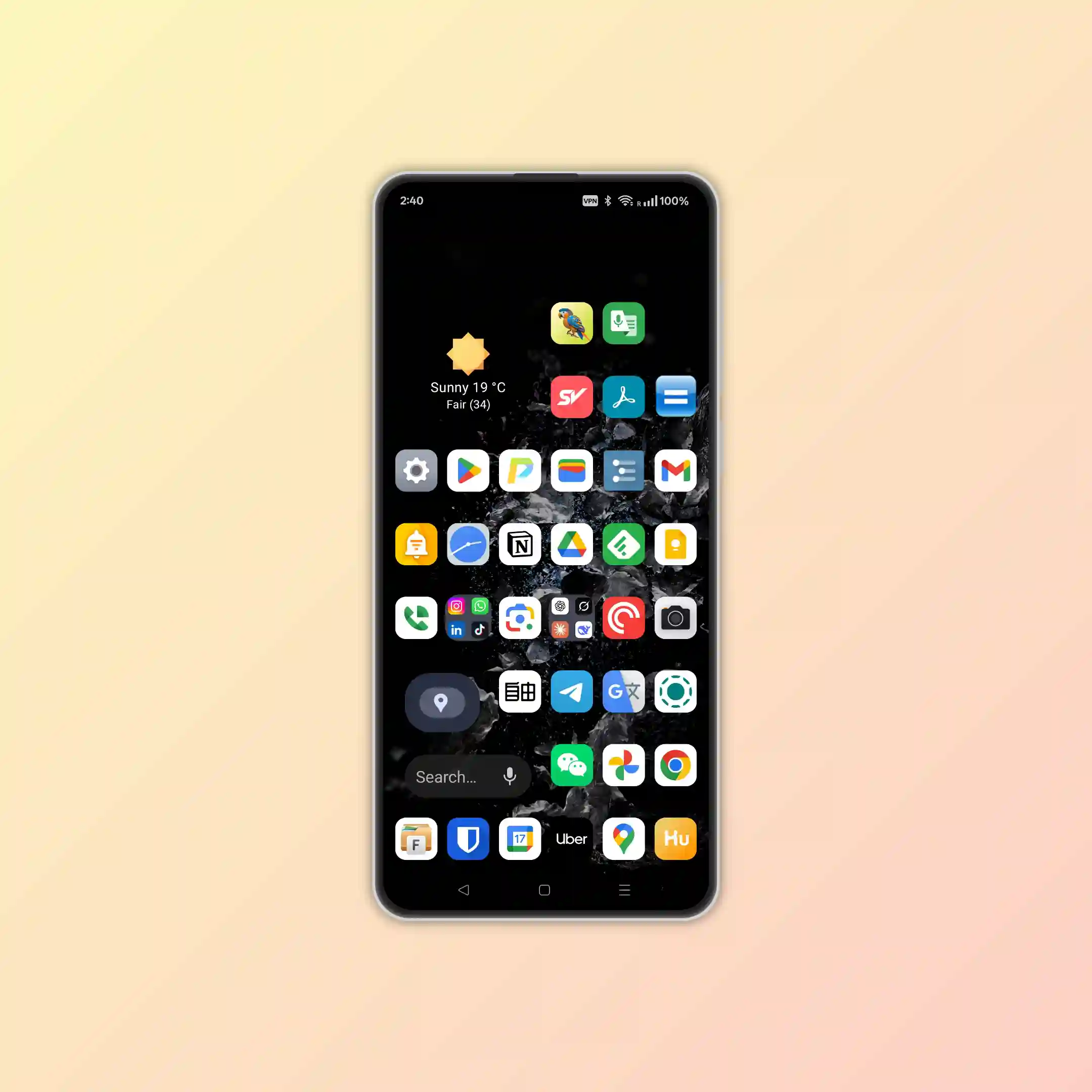
- Swipe up to open the drawer and search
- Long‑press any app → drag to home screen
- Use it for a few minutes while search index builds (initial lag is normal)
- Set Lucky Launcher as default to stop the old launcher from running in background
Backup & sync
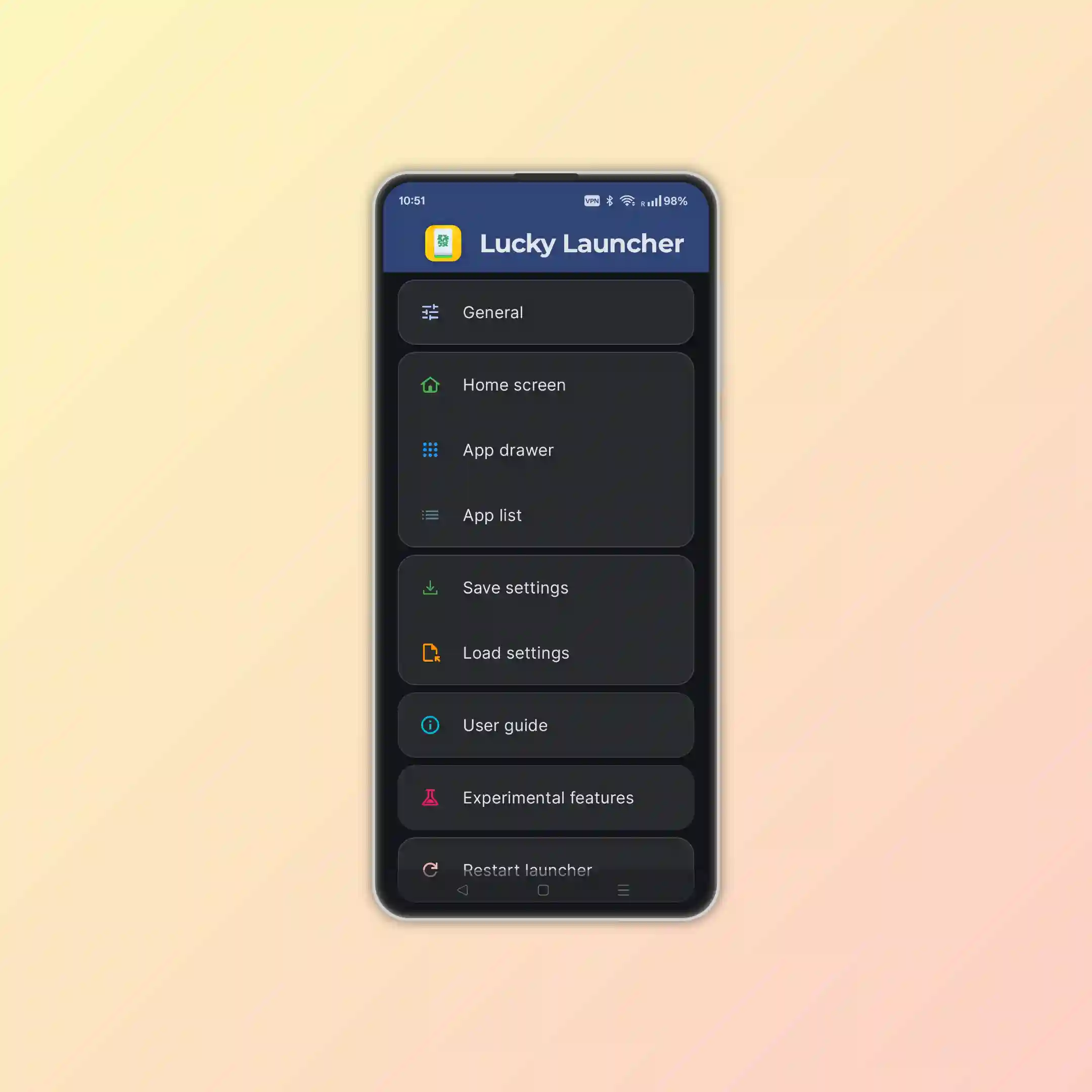
- One‑tap backup of all settings and layout (three‑dot menu)
- Restore instantly when switching devices
- Works across phones, foldables, tablets—consistent experience everywhere
- Scene presets (work / study / travel) switch in seconds
P.S
About the name & icon 🎲
The logo is the Mahjong tile "發" (fā), representing luck and launch—arrange your apps like a neat stack of tiles and fire them instantly 🎮🍀