Parrot Assistant Android App 🦜
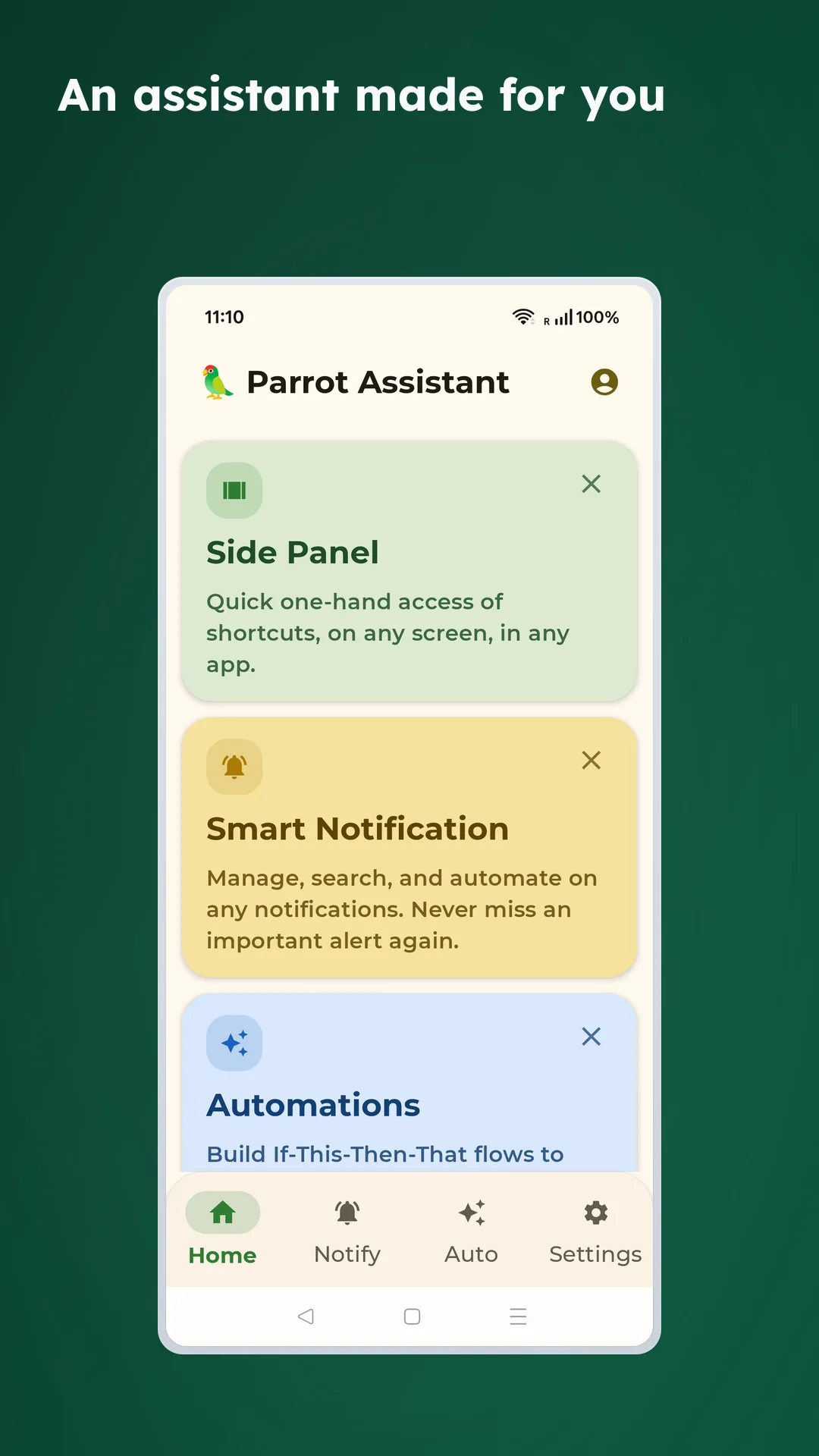
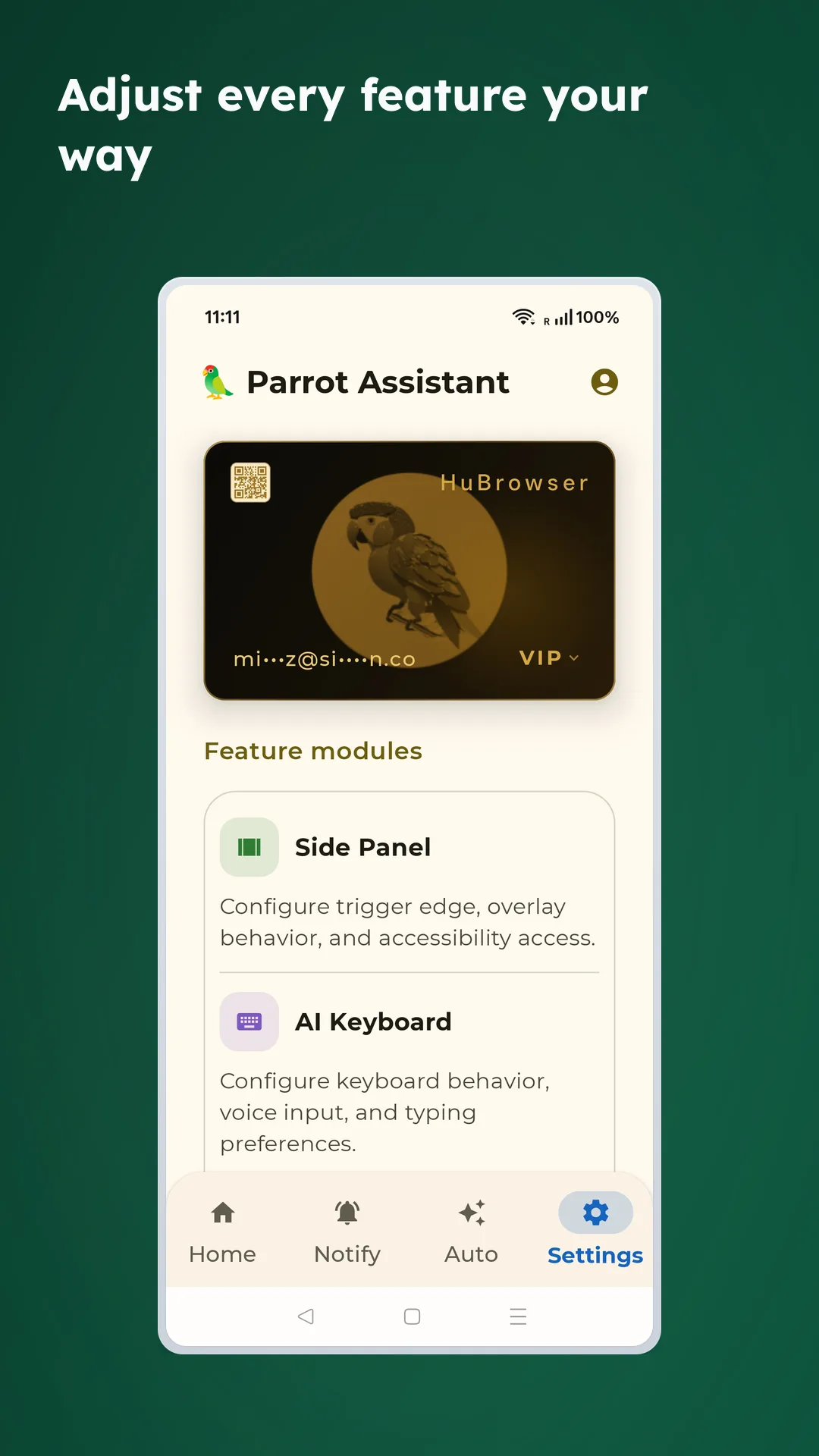
Parrot Assistant brings powerful AI capabilities to your Android device with Side Panel Shortcuts and AI Voice Keyboard —two features that supercharge your mobile experience.
Quick Overview
Side Panel Shortcuts - Swipe from screen edge for instant access to camera, media controls, and touch cursor.
AI Voice Keyboard - Type with your voice in any app with high-accuracy speech recognition.
Note: AI features require HuBrowser Membership .
Download on Google Play
Demo Videos How to Enable Accessibility Permission
Why Use Parrot Assistant? ✨
Instant access 🎯: Swipe from screen edge for quick actions
Voice typing anywhere 🎤: High-accuracy speech recognition in any app
One-hand friendly 👍: Perfect for large screens and single-hand operation
Privacy-first 🔒: No data collection—everything runs locally
Ultra-lightweight 🪶: Minimal resource usage with smart caching
Beautiful design 🎨: Gradient buttons, dark mode, smooth animations
🎯 Side Panel Shortcuts
Swipe from the edge of your screen to instantly access 9 powerful tools:
How to Use
👆 Swipe inward from the screen edge
🎯 Panel automatically appears with action buttons
✋ Hover over a button and release to activate
Configure the trigger zone
Trigger Zone Settings:
📍 Choose trigger edge (left/right)
📏 Adjust trigger zone height
📐 Configure trigger zone position
🎯 Real-time preview
Core Features
Smart anti-accidental touch : Only activates when you swipe from the edge inward
One-hand operation : Swipe, hover, release to activate
Auto-hide : Automatically hides after 3 seconds to avoid interfering with normal use
Single action completion : Complete actions with one swipe, no repeated interactions needed
Real-time preview : Hovering displays the current button icon in the top-left corner—know which function is selected without looking at the side panel
Progressive feedback : Vibration and sound help you distinguish between actions
📳 Progressive vibration feedback (buttons farther from edge vibrate stronger)
🎶 Each button uses phone dial tones 1-9 for audio cues
📷 Row 1: Camera & Scanning
📸 Photo
Quick photo capture
Can use without unlocking
No tracking, works offline
🎥 Video Recording
One-tap video recording
Convenient for capturing important moments
No tracking, works offline
🔍 QR/Barcode Scanner
🦜 Super simple app for quick QR code and barcode scanning
⏩ Automatically opens links or searches content
⭕ No tracking, no ads, works offline
⚡ Optimized with HuBrowser for fastest performance
Supports text search (including Chinese search engines)
Supports landscape and portrait modes
🎵 Row 2: Media Controls
⏪ Rewind
Rewind 10 seconds
Works with podcasts, music, videos
Global control, no need to open the app
⏩ Fast Forward
Forward 10 seconds
Skip parts you don't want to hear
Global control, no need to open the app
⏯️ Play/Pause
Control any playing media
Supports music, videos, podcasts, etc.
Long press to open the playing app (hover for 0.8 seconds)
Media Control Features:
🎧 Global control, no need to open apps
📱 Supports all major media apps
⚡ Quick response, no lag
🔄 Long press to quickly switch to player interface
🤖 Row 3: Screen Operations
🖱️ Touch Cursor
Convenient for one-hand operation on large phones/tablets/TVs:
3 components:
Blue trackball: Controls cursor position
Blue box: Acts as a virtual touchpad (trackball position corresponds to screen position)
Red cursor: Shows current click position
Click effects :
Click trackball: Clicks at the red cursor position
Click inside blue box: Trackball and red cursor move to the corresponding position
Operations outside blue box : Not affected
Ergonomic design : One thumb can easily move the cursor anywhere
Exit : Auto-exits after 3 seconds of no trackball operation (adjustable)
Smart highlighting : When enabled, highlights clickable buttons with red borders
🦜 AI Assistant Automation
Quick access to AI assistant
Voice interaction, intelligent dialogue
Get help anytime, anywhere
AI Assistant Examples:
Say "select text" - All text on screen becomes instantly recognized and copyable
Say "open [app name]" - Natural language understanding to open any app instantly
Examples: "open Chrome", "open WhatsApp", "open Settings"
Voice commands for smart automation and control
🎤 Voice Input
Quickly activate AI keyboard for voice input in any app
See AI Voice Keyboard below for details
🎤 AI Voice Keyboard
Type with your voice in any app with high-accuracy speech recognition.
Core Features
Universal input : Works in any app that accepts text
High accuracy : Advanced speech recognition engine
Real-time transcription : See your words appear as you speak
Smart Input Features
🎤 Voice Input
Tap the microphone button in the top-right corner of the keyboard to start recording
Speak clearly what you want to type
Text automatically appears in the input field
Real-time volume indicator shows recording status
Supports long text recording with automatic upload for transcription
Voice Input States:
🎙️ Listening - Recording in progress, shows volume waveform
⚙️ Processing - Uploading and transcribing audio
✅ Complete - Successfully finished
❌ Error - Failed with error message
⌨️ Cursor Control
Built-in smart cursor navigation for easy text editing:
Arrow keys : Precisely move cursor up, down, left, right
Word jumping : Quickly move between words
Line start/end : Jump to beginning or end of line with one tap
Text selection : Select text with Shift key
🧹 Smart Delete
Backspace key : Delete single characters
Swipe to delete words : Swipe left on the backspace key to delete entire words instead of single characters
Clear button : One-tap to clear all text in the current input field
😊 Emoji Keyboard
Quick access to commonly used emojis
Browse by category, easily find the emoji you need
Recent usage history, frequently used emojis one tap away
🔢 Special Character Quick Input
Long press number keys : Quickly input corresponding special characters
Long press 1 → !
Long press 2 → @
Long press 3 → #
Long press 4 → $
Long press 5 → %
Long press 6 → ^
Long press 7 → &
Long press 8 → *
Long press 9 → (
Long press 0 → )
No need to switch to symbol keyboard, improves input efficiency
Real-time Typing Speed and Quota Display
Exclusive for HuBrowser members
View 24-hour voice record locally
How to Enable
Settings → Languages & Input → Virtual Keyboard
Select Parrot Keyboard
Use it like any other keyboard
Required Permission : Microphone (for voice recognition only)
💡 Usage Tips
Clear pronunciation : Works best in quiet environments
Natural speech : Speak normally, no need to pause deliberately
Punctuation : Automatically added, or say "comma", "period", etc.
Long texts : Supports long recording, auto-stops and uploads
Quick word deletion : Swipe left on backspace to quickly delete entire words
Special characters : Long press number keys for quick symbol input, no need to switch keyboards
🤖 Made for Android
Parrot Assistant is built from the ground up specifically for Android, utilizing native Android features and APIs to deliver the best possible experience.
⚙️ Permissions Required
Initial Setup:
The app will guide you through enabling the necessary permissions
Permission Explanation:
Accessibility Service 🔐 - Side Panel swipe detection and global shortcuts (only activates when swiping from edge inward)
Microphone 🎤 - AI Voice Keyboard speech recognition (only when actively using voice input)
Camera 📷 - QR/barcode scanning (only when explicitly opening the scanner)
🎨 Interface & Experience
Parrot Assistant adopts Material Design 3 language, providing a refined and smooth user experience:
Visual Feedback
🌈 Gradient buttons, beautiful and recognizable
💫 Button zoom animation on hover
🔍 Real-time icon preview of currently hovered button in top-left corner
🌙 Dark mode support
Smart Optimization
⚡ Doesn't block other operations, smooth usage
🎯 Fast response, instant use
🔄 Smart background updates
🛡️ Automatically filters interference elements
🔐 Privacy & Security
Your privacy is our top priority. Parrot Assistant is designed with privacy-first principles:
Zero tracking : No analytics, no telemetry, no user profiling
No data collection : We don't collect any personal information
Minimal permissions : Only essential permissions for core features
Offline capable : Most features work without internet connection
Open about permissions : Clear explanation of why each permission is needed
🎉 Summary
Parrot Assistant perfectly combines powerful AI voice recognition, convenient side panel, and practical scanning features to provide a comprehensive intelligent assistant experience for your Android device!
Core Advantages:
⚡ Fast: Edge swipe, instant access
🎯 Precise: AI-powered, accurate recognition
🎨 Beautiful: Material Design, visually pleasing
🔧 Powerful: Multi-feature integration, all-in-one
🔋 Battery-friendly: Optimized for low power consumption
Start using now to make your phone smarter! 🚀
Coming Soon 🚀
More Side Panel shortcuts and customization
Additional voice keyboard languages
Custom vibration patterns
User-defined quick actions